Loading...
Preparing article
Fetching the latest blog content.
Loading...
Fetching the latest blog content.
2026-09-18 • 4 min read
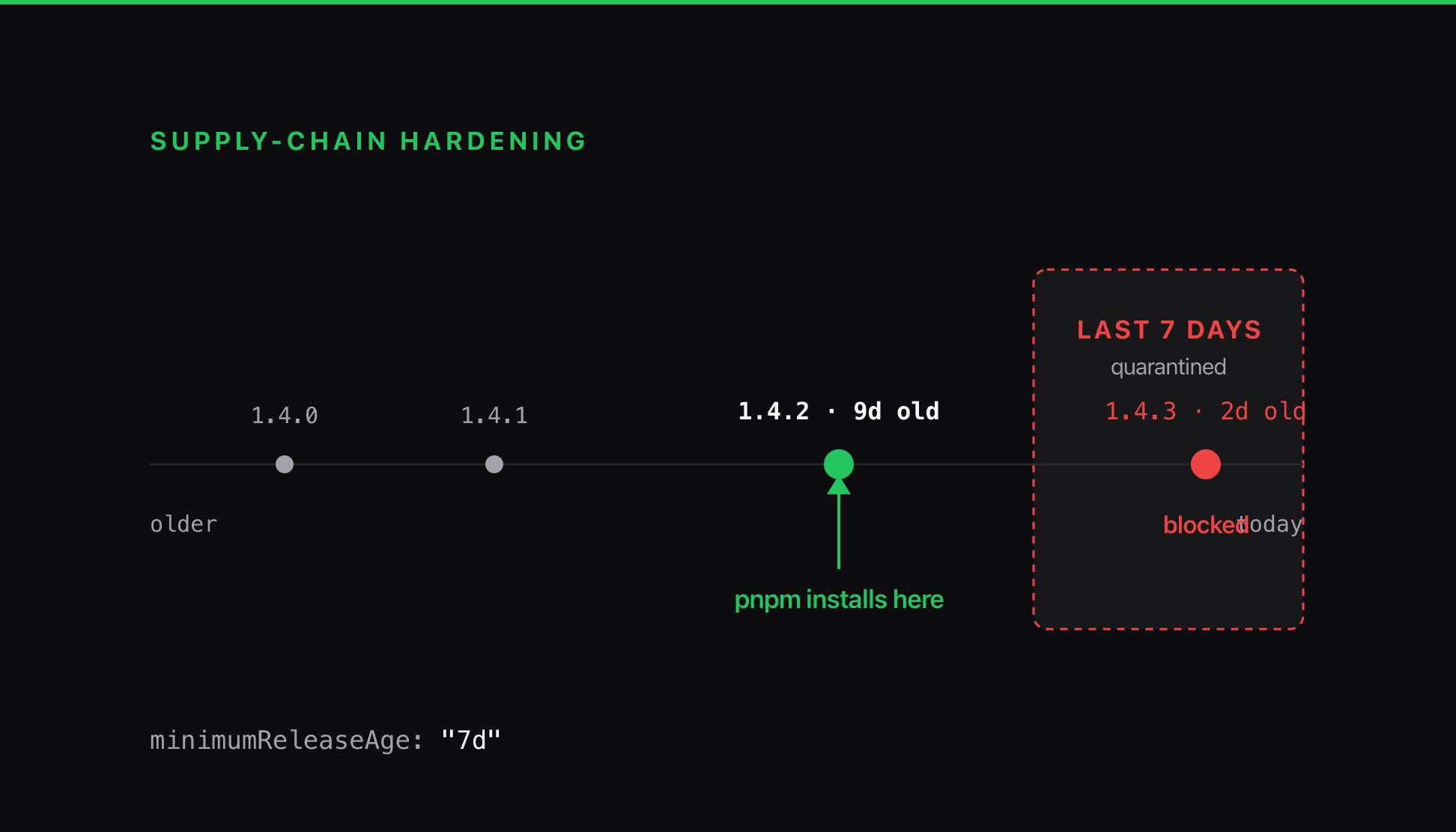
I moved a site off npm because npm 'keeps getting supply-chain attacks.' The package manager was the least important part of that sentence. A poisoned release is served the same way by every client, so the defenses that count are refusing to run install scripts and refusing to install anything published in the last week.
I switched a site off npm with a blunt reason in mind: npm keeps getting hit by supply-chain attacks, so I wanted something safer.
npm, pnpm, yarn and bun all install from the same place. The npm registry serves the same tarball to every one of them. When a maintainer account is compromised and a new version ships with a payload in it, or a typosquat lands one keystroke away from a package you actually want, the client you typed the install command into changes nothing. It fetches the poisoned bytes and writes them to disk.
The migration was still worth doing, for a different reason. pnpm ships two controls that change what an install is allowed to do, and those are the part that earned the afternoon.
Most supply-chain payloads have to execute at install time, and the usual way in is a lifecycle script: a postinstall or preinstall hook in a dependency's package.json that runs the moment the package lands. You did not write it, you will never read it, and by default your package manager runs it as you.
pnpm refuses to run those scripts unless you name the package. Out of the box, every dependency's build and install hooks are blocked. You opt packages in one at a time:
# Dependency install/build scripts are blocked by default.
# Only the packages listed here may run them.
allowBuilds:
  unrs-resolver: true
On this project exactly one dependency legitimately needs its script: unrs-resolver, which puts a platform-native binary in place. Everything else installs with its hooks inert. A compromised transitive dependency three levels down can ship whatever postinstall it likes, and on my machine it never gets to run.
The second control is the one I had not seen before. It is a cooldown on how new a version is allowed to be.
# Refuse any version published within this window.
minimumReleaseAge: "7d"
This defends against the attack that keeps happening. A package is compromised, a fresh version goes out, and the payload runs on thousands of machines in the hours before anyone notices and the release gets yanked. The damage lands in that first window, while the version is new and nobody has looked at it yet.
A seven-day floor takes you out of that window. pnpm will not resolve to a version until it has been public for a week, which is long enough for a bad release to be reported, investigated and pulled before it ever reaches your install. You give up the edge in exchange for safety.


The cooldown only gates new resolutions, the ones from pnpm add and pnpm update. Frozen installs in CI and on the deploy host read pinned versions straight from the lockfile, so builds stay reproducible and none of them slow down.
Turning the cooldown on broke resolution right away. A few registry entries ship with no publish timestamp, so pnpm cannot work out their age and errors instead of guessing. Letting those through fixes it:
minimumReleaseAge: "7d"
# Some registry entries have no valid publish time; skip the check for
# those rather than failing the entire resolution.
minimumReleaseAgeIgnoreMissingTime: true
pnpm's stricter node_modules surfaced a second thing. npm had been flattening every transitive dependency into one top-level folder, so a couple of packages I imported without ever declaring, @types/mdx and sharp, had been resolving by accident. pnpm does not hoist like that. Both went missing and the build failed until I added them to package.json as the direct dependencies they always were. The stricter layout made me write down what I actually depend on.
Other than the smaller blast radius I was after, I also got reproducible-install speed and a smaller node_modules. The two settings buy the blast radius. The three letters I type to install buy nothing toward it.
Both are a few lines of config. On pnpm 11, and on the 10.x releases that added the cooldown, you can paste them today:
allowBuilds:
  # add only the dependencies that genuinely need an install script
  unrs-resolver: true
minimumReleaseAge: "7d"
minimumReleaseAgeIgnoreMissingTime: true
If you are staying on npm, the same idea is reachable from the other side. npm runs install scripts by default, so ignore-scripts=true in .npmrc is the blunt version of the first setting, and a release-age check can be enforced in CI with third-party tooling for the second. Everyone pulls from the same registry. The policy for what an install is allowed to do is set locally, and it is worth setting.
minimumReleaseAge. The release-age cooldown, plus minimumReleaseAgeIgnoreMissingTime for registry entries with no publish time.allowBuilds. Opts individual dependencies into running install and build scripts.ignore-scripts. The npm-side switch for blocking lifecycle scripts.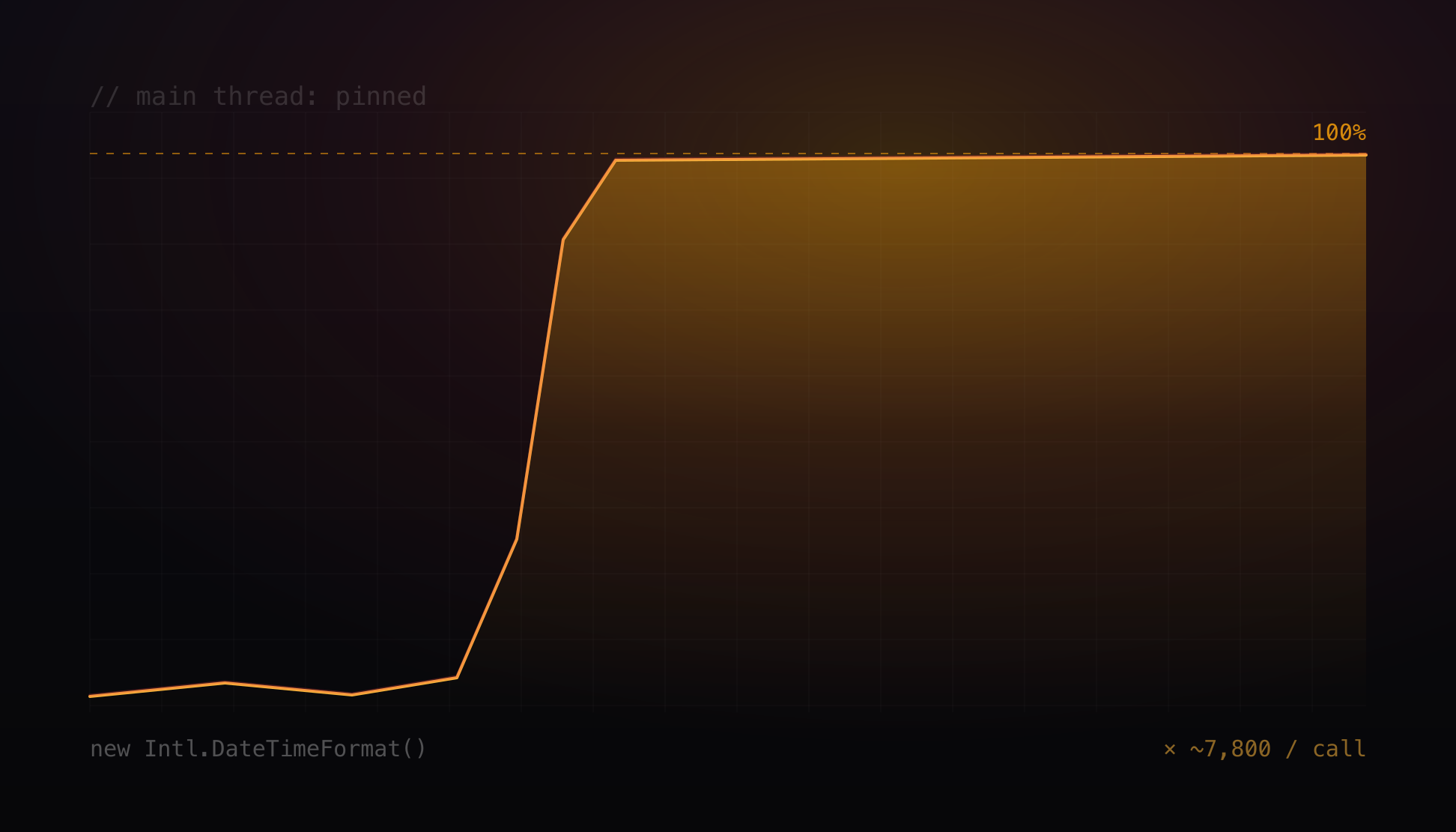
A background worker pinned at 100% CPU, every database call timing out on a pool checkout, and the pool nowhere near full. A blocked event loop makes a jammed process look exactly like an exhausted pool. The cause was a working-hours helper rebuilding a date formatter on every call, still live behind a second door.
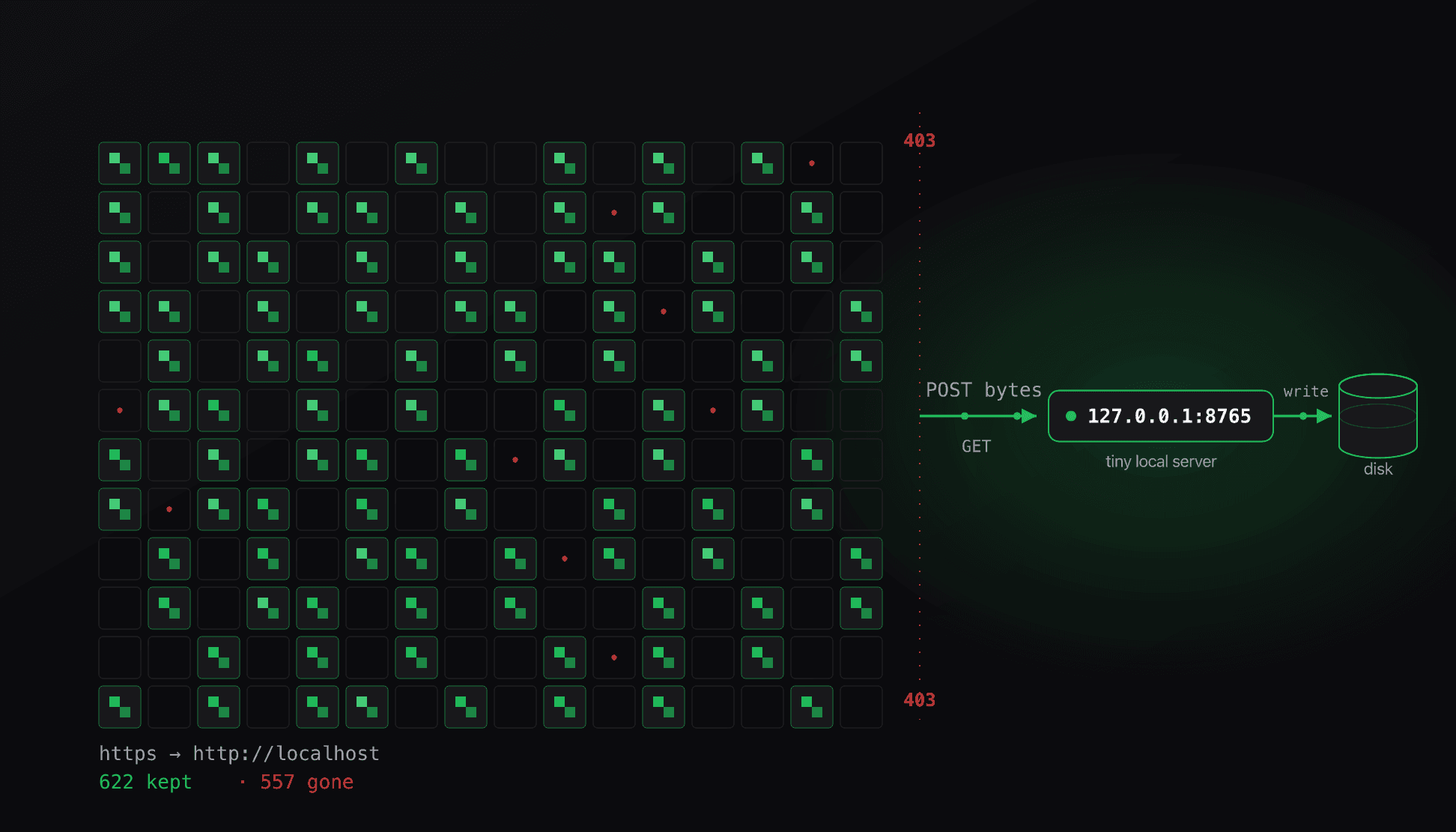
Archiving a few hundred wallpapers turned into a standoff with Cloudflare that curl and gallery-dl kept losing with a 403. The way through was a browser capability most scraping never touches, and the archive turned out to be rotting faster than I could save it.
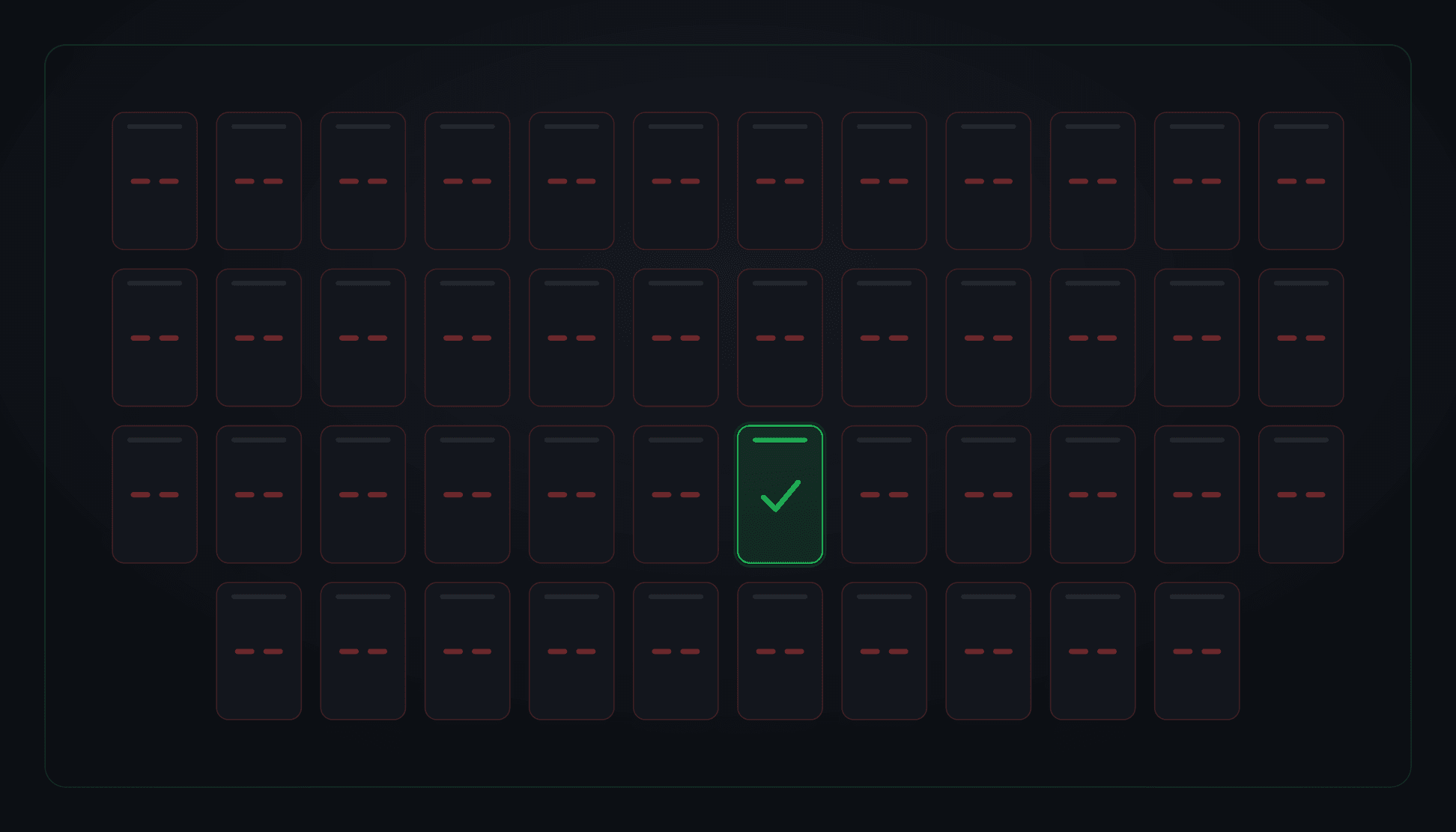
A routine host reboot brought a notification service back up in seconds (healthy, green, 200 OK) while 45 of its 46 message-queue consumers were dead and had been since the moment it started. The broker's AMQP listener opened 38 seconds after boot; every consumer had already dialed once, hit ECONNREFUSED, and disabled itself without retrying. The health check couldn't see any of it, because it watched the process, not the work.