2026-08-09 • 7 min read
The Logged-Off Desktop That Killed 62 of 66 Production Processes

62 of 66 processes on a single Windows box went dark, while disk, RAM, and CPU all read green. The real cause was a runaway terminal exhausting the Windows commit limit, crashing the desktop compositor, and logging off the session every process lived inside. An incident I debugged end to end over AWS SSM, with no RDP.
62 of 66, just gone
I found the fleet the way you never want to: a service that should have answered didn't, and no alert had fired. On a single Windows box I ran, 62 of 66 processes were dead, and they'd been dead since 15:42 the previous afternoon: quietly, for the better part of a day, with nobody watching the one number that would have told me.
The reflex is to open the dashboards. Mine were green. Disk had 121 GB free. RAM was nominal. CPU was idle. By every signal I actually graphed, the machine was healthy. It just wasn't running anything. Everything on that box was supervised by pm2, and I administered it entirely over AWS Systems Manager (SSM): no RDP, no open management ports, just a session into the shell. So the whole investigation happened at a command line, blind to a desktop I couldn't see.
Why a Windows box runs dozens of headed browsers
First, the strange part, because it's load-bearing for everything that follows. Most of these processes each drive a real, headed Chrome: a full desktop browser with a visible window, not a headless one. The work they do needs a browser that renders completely, so instead of one headless pool the box runs dozens of live Chrome instances on an interactive Windows desktop. At the time of the incident that was 66 pm2 processes and 55 live Chrome processes, 46 of them headed.
That single design choice (headed, on a desktop) is why one machine can host the whole fleet. It's also why the whole fleet shares a single point of failure that Linux-shaped intuition never accounts for: an interactive login session. Hold that thought.
The warning I'd written two weeks earlier
Two weeks before this outage, I'd audited this exact box. I was scoping whether to move it off pm2 and into containers. My notes from that day flagged the number-one risk, and it had nothing to do with containers:
pm2 runs inside the interactive login session. There's no Windows service, nothing that resurrects it at boot, and auto-login is off, so a reboot or a logoff silently drops the entire headed fleet until a human logs back in.
I wrote that down, filed it as work to do, and moved on to shipping. Two weeks later the exact failure I'd described happened, just tripped by a cause I hadn't guessed.
The dashboards were measuring the wrong thing
Over SSM I ruled out the usual suspects one at a time. Disk: fine. Memory, in the numbers I normally look at: fine. CPU: idle. No OOM, no thermal throttle, no full volume. The processes weren't even crash-looping: pm2 itself was gone, and so was the desktop I'd expect to find it in.
The signal that mattered wasn't on any of my graphs. On Windows it's called commit charge, and if you come from Linux it's the thing you've never had to think about. Commit charge is the total virtual memory Windows has promised to every process, backed by RAM plus the page file. As the sum of those promises approaches the commit limit, Windows stops handing out more, and anything that assumes memory is always there begins to fall over. This box's limit was 28.8 GB: 16 GB of RAM plus a 13 GB page file, and something had eaten a huge slice of it.
The five-link chain nobody guesses
The culprit was almost funny: a runaway WindowsTerminal.exe (the terminal application itself, not anything running inside it) had ballooned to 5.6 GB of commit. One stuck GUI process, quietly spending the machine's promise of memory.
From there the dominoes fell in an order that's only obvious in hindsight:
WindowsTerminal.exeruns away, consuming 5.6 GB of commit.- Commit charge hits the 28.8 GB ceiling. Windows can no longer satisfy new allocations.
- DWM (the Desktop Window Manager, the compositor that draws the session) crashes when its own allocation is refused.
- The interactive session logs off. When the compositor dies, the desktop it was drawing goes with it.
- The fleet dies with the session. pm2 and all 46 headed Chrome processes lived inside that session, so when it ended, they ended. 62 of 66, in one stroke.


Not one of those five links shows up as "disk full" or "high CPU." That's how a dashboard stays green straight through a total outage: the failure lived a layer beneath everything I was graphing.
Where your supervisor lives decides whether it survives
Strip away the Windows specifics and the lesson is a distributed-systems one: a process supervisor is only as durable as whatever it lives inside. pm2 had been started from a logged-in desktop session, so pm2's lifetime was silently chained to that session's lifetime. It doesn't matter that pm2 is built to keep things alive. The thing keeping pm2 alive was a human's interactive login, which is the flimsiest possible foundation.


The durable shape is the boring one: run the supervisor as a boot-time service, outside any interactive session, so its life is tied to the machine being on, not to anyone being logged in. A logoff (or a reboot) then becomes something the box recovers from on its own, instead of an outage sitting idle until a human happens to notice.
The recovery, and the snapshot that wasn't there
Getting the fleet back should have been one command. pm2 can serialize its whole process list to a dump.pm2 file and restore it with pm2 resurrect. I reached for it, and the dump was empty. It had been overwritten days earlier, before half the current fleet even existed. resurrect would have restored nothing.
So I rebuilt the fleet the slow way (app by app, from each process's own config) and brought roughly 40 of them back in that session, then did the thing whose absence had just cost me an hour: saved a real snapshot to replace the empty one.
The tail was the quiet lesson. Over the next several days a few more services surfaced as still dead. These had never been saved into the snapshot in the first place, so no restore was ever going to bring them back. Each was found only because some unrelated request finally forced a look. A recovery snapshot is only ever as good as its last honest save.
Killing the trigger vs. killing the class
There were two fixes to make, at two different altitudes.
The trigger was the runaway terminal, so I removed the conditions that let it hurt anything. I switched the box's default console host from Windows Terminal to conhost, so each process gets its own small console instead of feeding one shared, unbounded buffer that can run away. Then I installed a SYSTEM-level scheduled task that runs every 5 minutes and kills any WindowsTerminal process over 1 GB. On its very first run it reclaimed about 6 GB of commit, dropping the box from 13.4 GB to 7.2 GB.


That ends this specific recurrence, but I want to be honest about altitude. conhost and a memory guard fix the trigger, not the class. The class is "a supervisor whose life is tied to an interactive login session," and the only real fix for that is the structural one from my two-week-old note: run the supervisor as a boot service that outlives any logoff. That's the work this incident earned a slot on the roadmap for. The guard just keeps the box standing until it's done.
Takeaways
- Green dashboards can hide a total outage. If you only graph disk, RAM, and CPU, a failure one layer beneath them (a dead compositor, a lost session) is invisible. Watch the thing that actually kills the workload, not just the usual four gauges.
- On Windows, commit charge is a resource you have to budget. It's RAM plus the page file, and hitting the commit limit takes down GUI-critical services like the compositor itself. If you come from Linux, it's the signal you didn't know you were missing.
- Know where your supervisor actually lives. A process manager started inside an interactive login session is not durable. Its lifetime is your login's lifetime. Run it as a boot service, outside any session.
- A recovery snapshot is only as good as its last save. An empty
dump.pm2restores nothing. Save after every change, and periodically prove the restore actually brings the whole fleet back. - Write down the failure you predict. Then fix it, don't just file it. I'd described this outage two weeks early. A prediction you don't act on just turns into a very well-documented incident.
Read next
Moving off npm
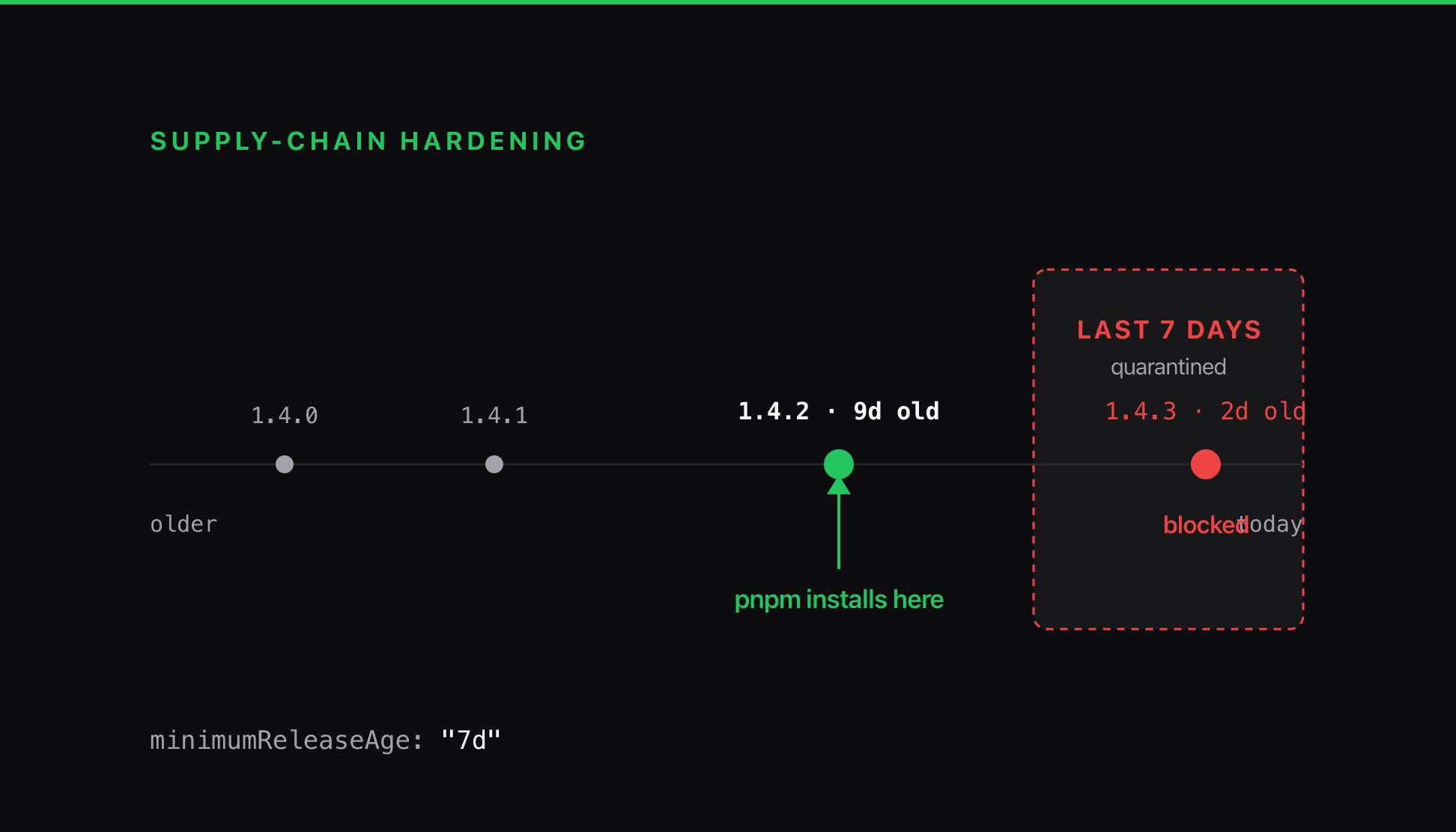
I moved a site off npm because npm 'keeps getting supply-chain attacks.' The package manager was the least important part of that sentence. A poisoned release is served the same way by every client, so the defenses that count are refusing to run install scripts and refusing to install anything published in the last week.
The Date Formatter That Froze a Production Worker
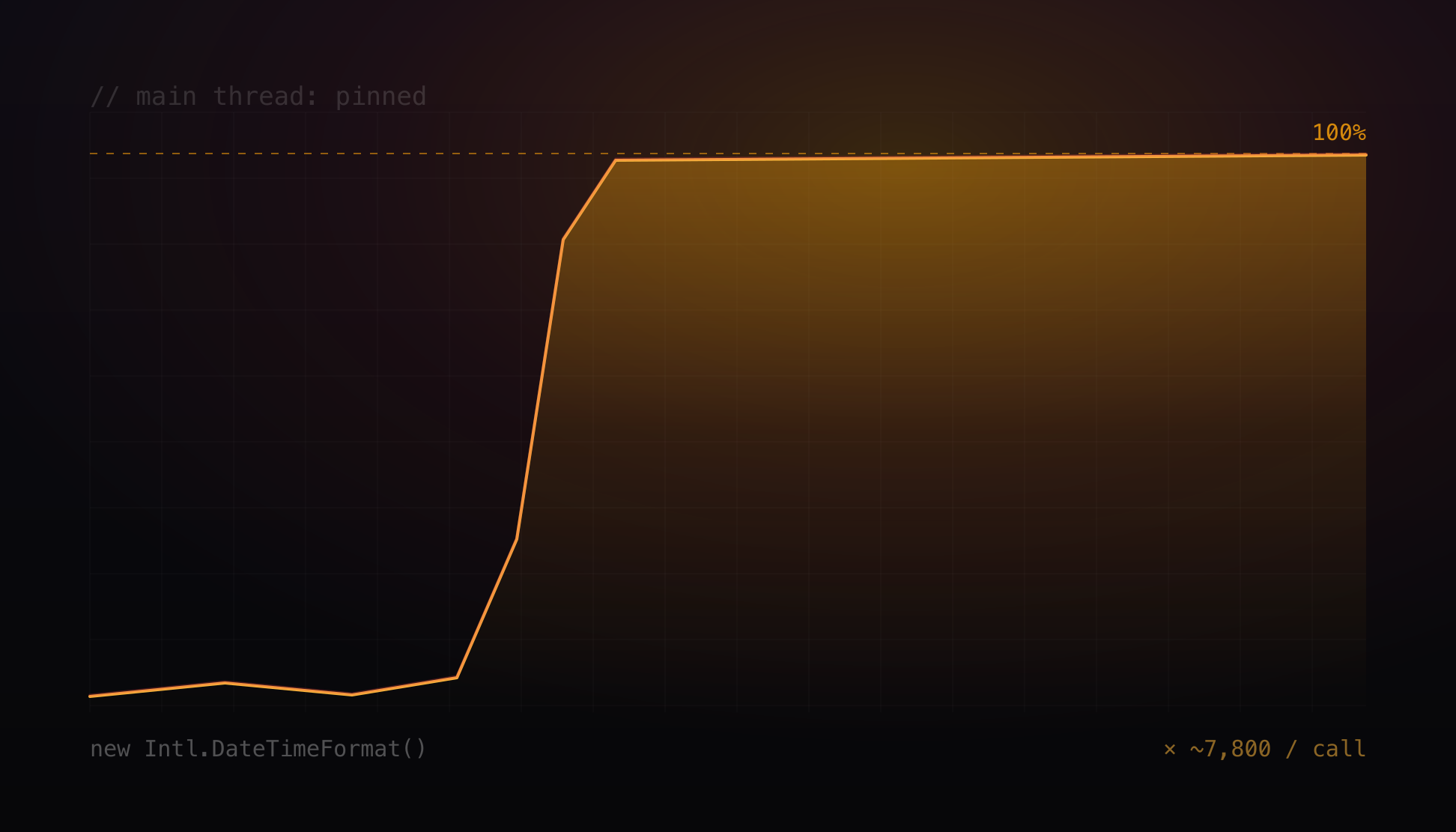
A background worker pinned at 100% CPU, every database call timing out on a pool checkout, and the pool nowhere near full. A blocked event loop makes a jammed process look exactly like an exhausted pool. The cause was a working-hours helper rebuilding a date formatter on every call, still live behind a second door.
The Download Proxy Hiding in Your Browser
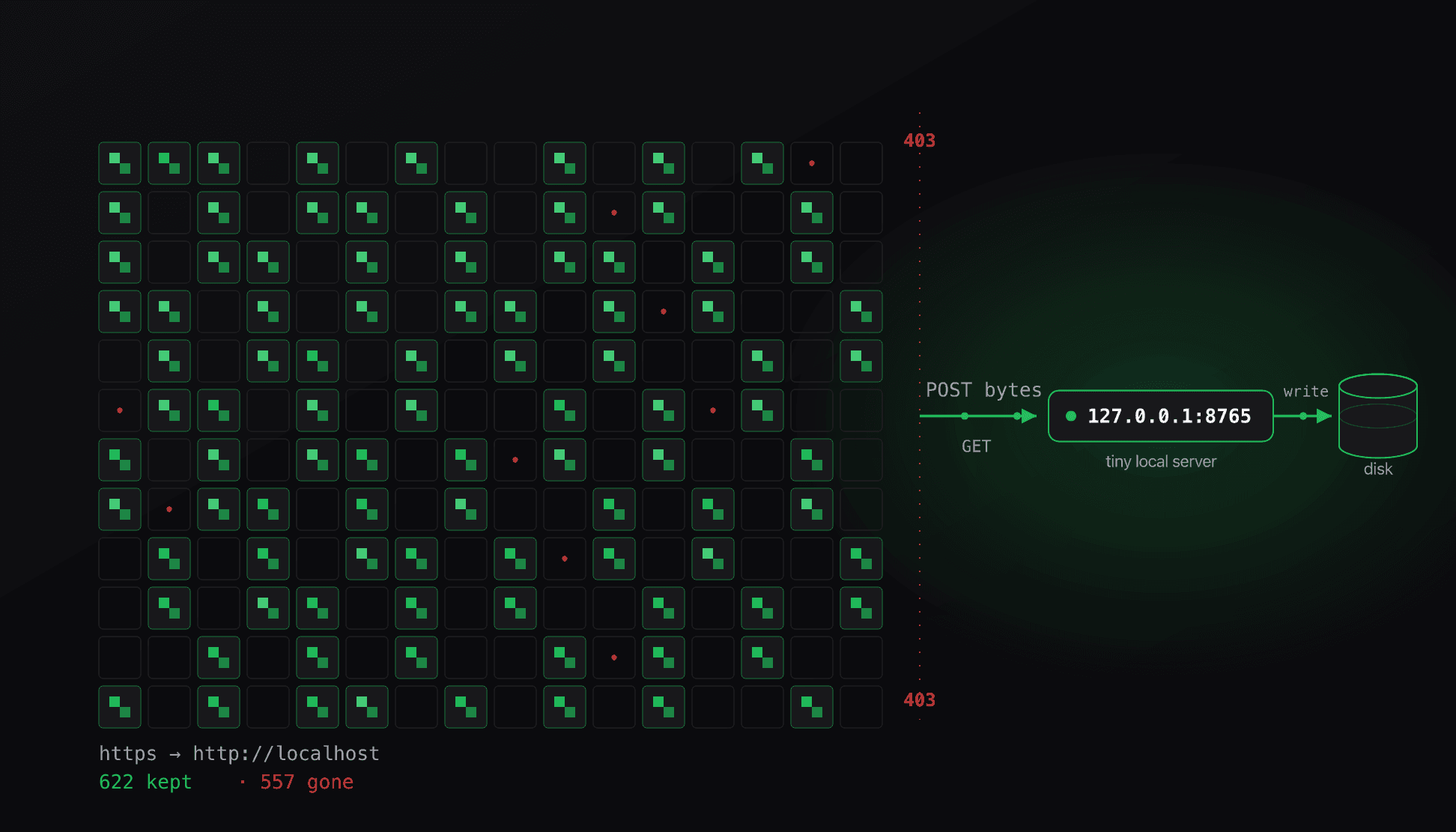
Archiving a few hundred wallpapers turned into a standoff with Cloudflare that curl and gallery-dl kept losing with a 403. The way through was a browser capability most scraping never touches, and the archive turned out to be rotting faster than I could save it.